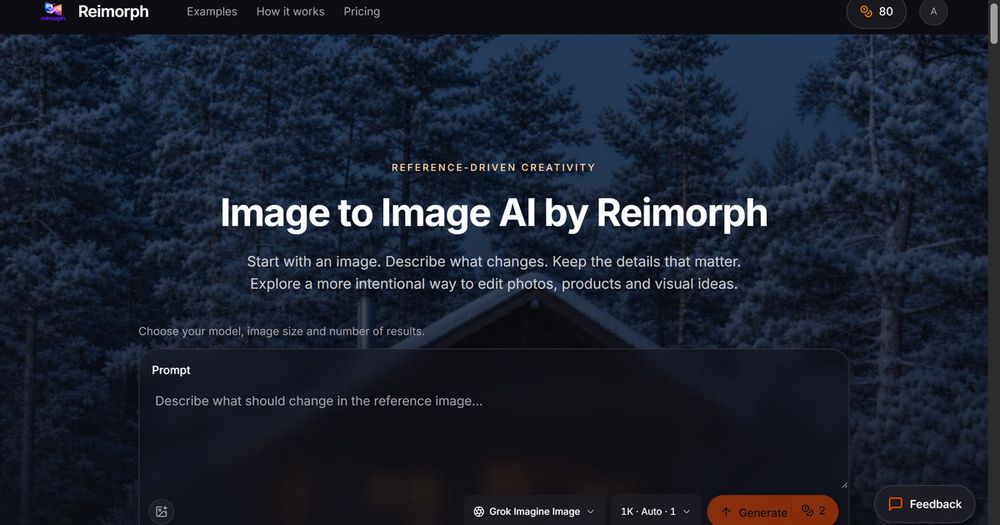
Reimorph Image to Image AI
Reimorph is a reference-driven AI image editor. Upload a photo, describe one focused change, and let an image-to-image model rebuild the scene while preserving the details you name.
Key features
- Image-to-image editing: Start from an existing reference, not a blank canvas.
- 8 editing models in one workspace: Nano Banana Pro, Nano Banana 2, GPT Image 2, Grok Imagine Image, FLUX Kontext Pro, FLUX Kontext Max, FLUX.2 Edit, and Qwen Image Edit 2511.
- Upfront credit costs: The Generate button shows exact credit cost per model, resolution, and options.
- Side-by-side model comparison: Send the same reference to different models to compare quality, detail preservation, and cost.
- Private workspace: References and results are private; Reimorph says it never trains on your images or shares your gallery.
- Failed generations are free: Credits are automatically returned if a job fails or times out.
- Built-in content safety: Prompts and output images are screened; flagged content is blocked and credits refunded.
Use cases
- Product staging: Move a product onto a new pedestal, backdrop, or lighting setup while keeping shape, color, and proportions.
- Fashion and outfit try-on: Change clothing items while preserving identity, pose, and framing.
- Fashion editorial: Reimagine styling, backgrounds, and atmosphere from a reference.
- Interior design concepts: Explore furniture, materials, and lighting without losing the room’s architecture or camera angle.
- Season and lighting changes: Turn summer into winter or day into blue hour while keeping landmarks.
- Sketch-to-render concepts: Turn product sketches into photorealistic visual directions.
- Portrait edits: Make focused changes such as outfit swaps while trying to protect face, hair, and expression.
Prompt workflow
- Add a reference image (JPG, PNG, or WebP up to 10MB).
- Name the target and the change, then list details to preserve.
- Choose a model, check the credit cost, and generate.
- Review identity, fine details, and geometry against the reference.
Important limitations
Image-to-image AI guides a generative model; it does not lock every pixel. Product and interior outputs are visual concepts, not manufacturing drawings. For exact retouching or guaranteed likeness, a conventional editor may be needed.