
VideoCutout
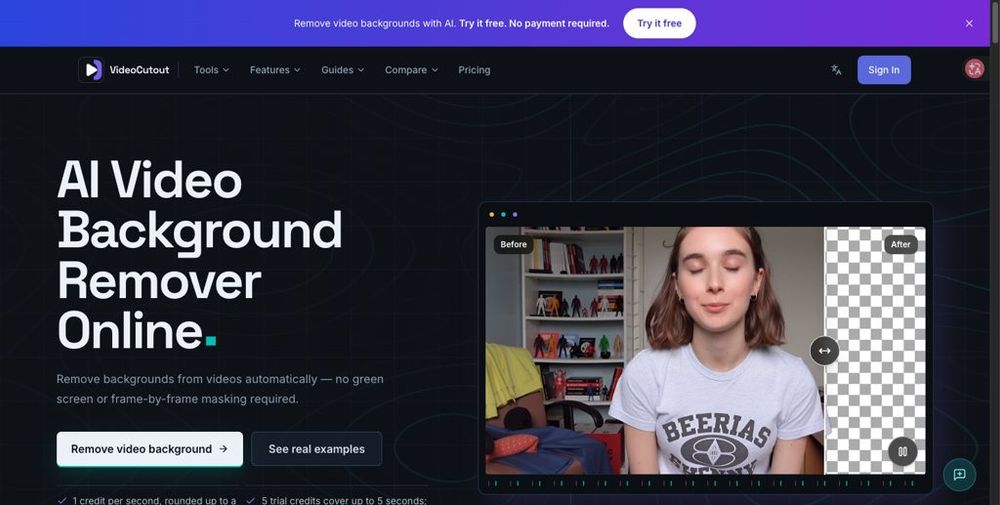
VideoCutout separates foreground subjects from video backgrounds using AI. Creators can upload MP4, MOV, WebM or GIF files without a green screen or manual frame-by-frame masking. Export transparent WebM or replace the background with a custom image for creator videos, product content and compositing.
Review the output before using it in a project. Results depend on the source footage and foreground complexity. Check the official website for current limits and prices; initial use is limited and further processing may require paid credits.